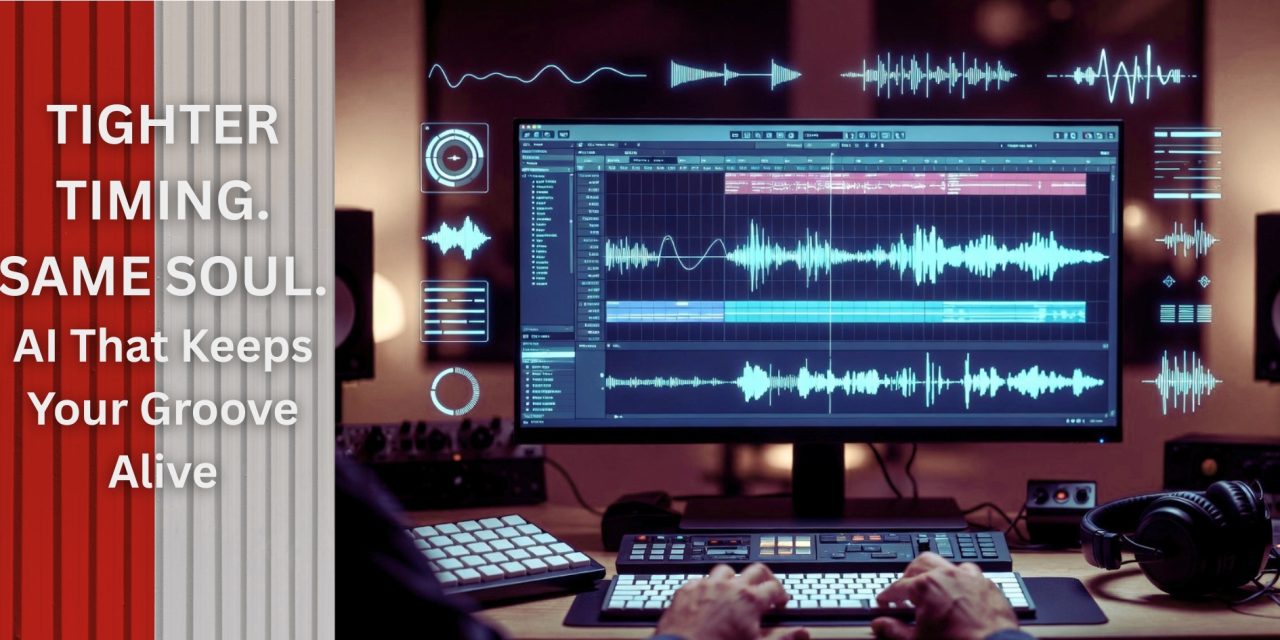
Ever played something that felt amazing in the moment, only to replay it and wonder who nudged your groove slightly off-center? Yeah… timing drift has a sneaky way of humbling even your best takes.
And if you’ve ever vibed to laid-back lounge music, you already know the irony—those grooves feel effortless, but they sit exactly where they need to. Loose, but never lost. Relaxed, but never late. That balance is not accidental.
The real challenge is not fixing timing—it is fixing it without sanding off the personality. That is where this AI Groove Coach workflow steps in. Instead of forcing you onto a rigid grid, it acts more like a brutally honest (but helpful) bandmate, pointing out where your groove slips while letting your feel stay human.
AI Practice #1: The “Groove Coach” Workflow
Transform your rhythmic playing with this 5-step Groove Coach workflow using tools like Audacity for recording and Melodyne for timing analysis, alongside ChatGPT for feedback.
Musicians using AI-assisted practice report sharper timing accuracy while preserving natural swing. Instead of replacing your instincts, this workflow strengthens them through consistent, targeted feedback.
This routine works as a smarter metronome alternative. Drummers tighten drum grooves, bassists lock into pocket, and guitarists refine rhythm phring without sounding robotic.
Step 1: Record Your Groove
Start by opening Audacity and capturing a raw take of your groove. Keep it simple—drum loop, bassline, or chord rhythm.
Record 30–60 seconds focusing on feel, not perfection. Slight imperfections are the whole point here. Lounge-style playing often leans slightly behind the beat, so do not “correct” that instinct yet.
Export a clean WAV file. This becomes your “truth source” for honest timing analysis.
Step 2: Analyze with Melodyne
Import your recording into Melodyne and zoom into the timing grid.
Look for:
- Early or late hits on key beats
- Uneven subdivisions
- Drift in repeated patterns
Take screenshots or notes of problem areas. Think of this as identifying where your groove leaks energy—not where it feels human. A good lounge groove bends slightly; it should not collapse.
Step 3: Get AI Feedback
Feed your observations into ChatGPT with a prompt like:
“Analyze this timing: early on beats 2 and 4, hi-hats slightly late. How do I fix this without losing groove?”
You will get suggestions like:
- Exaggerating swing before tightening it
- Practicing slower subdivisions
- Anchoring specific beats (kick or snare)
This step turns raw data into actionable musical advice. Instead of flattening your rhythm, it helps you refine it—closer to that smooth, lounge-style pocket where everything feels relaxed but intentional.
Step 4: Apply Adjustments and Re-Record
Go back into Audacity and record again, focusing on one fix at a time.
Compare:
- Old vs new waveforms
- Feel vs tightness
- Groove consistency
The goal is subtle improvement, not perfection. If it sounds robotic, you have gone too far.
Step 5: Review and Iterate Weekly
At the end of the week, gather your takes and review patterns:
- Are you consistently early on certain beats?
- Is your swing improving or flattening?
Use ChatGPT to summarize your progress and suggest next steps.
Practice 3–4 times weekly for best results. Over time, you will notice tighter timing that still breathes naturally.
Wrap Up
The Groove Coach workflow is not about turning you into a machine. It is about making your natural timing more reliable without sacrificing the feel that makes your playing yours.
AI does not replace musicianship here—it simply shines a light on what your ears might miss in the moment. Used wisely, it helps you sit deeper in the pocket while still sounding alive.
Are you tightening your timing—or accidentally tightening the life out of your groove?
Let us know in the comments, and keep leveling up your production and performance workflows only at DLK Lounge!
