Lounge music has a talent for sounding effortless. The groove sits comfortably, the textures feel smooth, and nothing seems to be fighting for attention.
That relaxed character rarely happens by accident. Effects and processing help shape the atmosphere around each loop, giving lounge productions their sense of space, warmth, and subtle movement.
The trick is knowing when to enhance a sound and when to leave it alone. In lounge music, restraint can be just as important as the effect itself.
Creating Lounge Atmosphere With Reverb and Delay
Reverb and delay can transform a simple lounge loop by giving its sounds somewhere to breathe. A dry electric piano might feel close and ordinary, while carefully chosen ambience can make it feel like part of an intimate late-night setting.
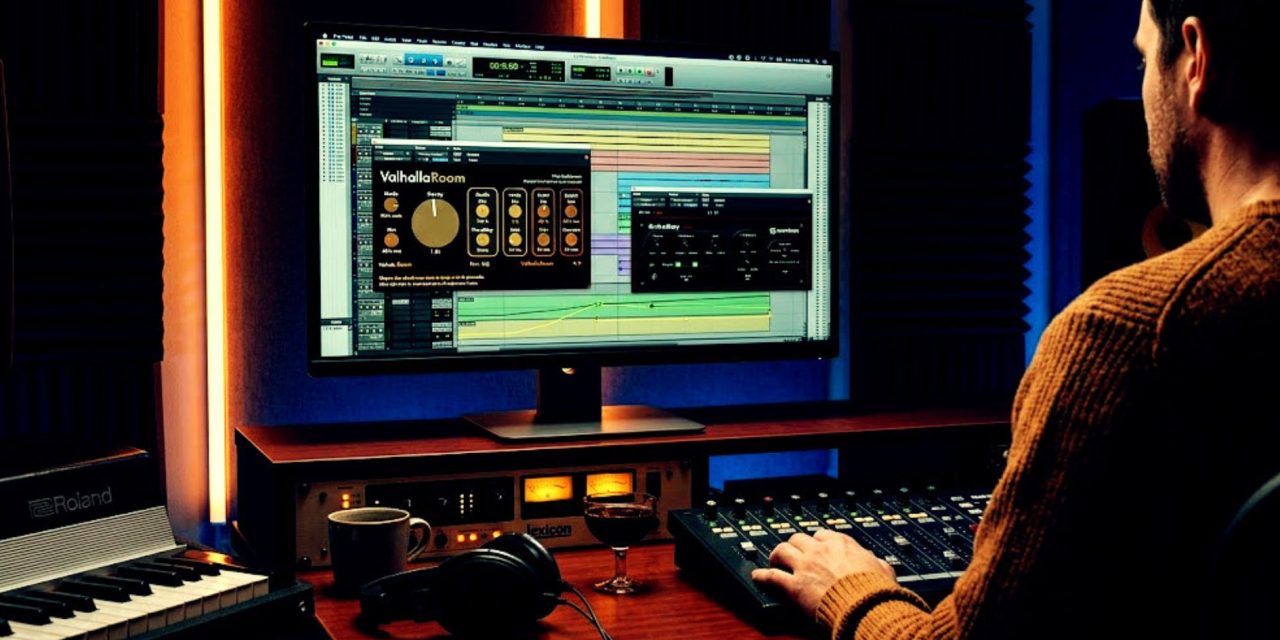
For reverb, Valhalla Room offers plenty of room to explore. A decay time around 1.5 to 2 seconds can create the spacious quality often suited to atmospheric lounge music.
The goal isn’t simply making everything sound bigger. A carefully controlled reverb can make a Rhodes line feel warmer, soften a vocal phrase, or give a melodic loop more depth.
Delay adds another kind of movement. Soundtoys EchoBoy can create quick repetitions using its Slap preset, while increased feedback can push the sound toward a more spacious, ambient character.
These effects can work particularly well with the understated textures found in lounge music. A delayed chord can quietly extend into the next phrase, while a reverb tail can connect separate musical ideas.
Balance remains important. Adjusting the wet/dry mix helps keep the original sound clear instead of allowing effects to turn a smooth lounge arrangement into a muddy one.
Using Automation to Keep Lounge Music Moving
Lounge music may be relaxed, but relaxed does not have to mean static. Subtle automation can keep a repeating loop evolving without disturbing the calm atmosphere.
Start by identifying moments where the track naturally needs a little movement. A gradual volume change can bring a texture forward, while gentle panning can give repeated sounds more breathing room.
Effects can also change throughout the arrangement. Increasing reverb before a transition can make the upcoming section feel wider, then pulling it back can bring the listener closer to the groove.
In Pro Tools, automation lanes allow producers to shape volume and pan with gradual or sudden changes. These adjustments can add movement without changing the underlying loop.
Cubase offers similar flexibility, allowing automation to be drawn manually or recorded in real time while adjusting controls during playback.
For lounge music, subtlety usually wins. The automation should support the mood rather than announce itself with a giant flashing sign saying, “Look what I just automated!”
A small change in space, volume, or effects can be enough to make a familiar loop feel fresh while preserving the smooth character of the production.
Conclusion
Effects and processing help create the atmosphere that makes lounge music feel immersive without becoming overwhelming. Reverb creates space, delay adds movement, and automation keeps familiar ideas quietly evolving.
The best results often come from knowing what not to change. A little processing can add warmth and depth, while too much can take away the relaxed quality that makes lounge music work.
So when a lounge loop feels flat, don’t immediately replace it. Try changing its space, movement, or texture first. The right adjustment might already be hiding inside the loop.
Ever heard a lounge track that sounded incredibly simple, yet somehow had you completely locked into its atmosphere? DLK Lounge takes a closer listen to what’s happening beneath that “effortless” sound.
