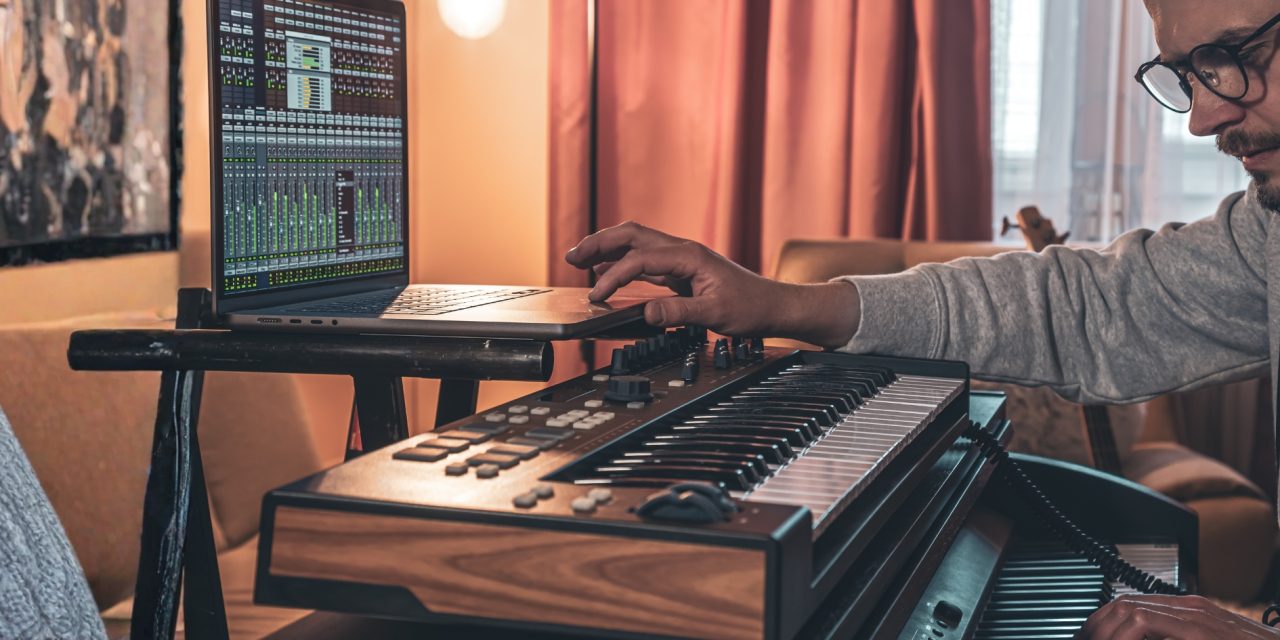
You know that moment when a simple chord progression hits just right and suddenly feels like it belongs in a late-night film scene? That’s the magic of minimal ideas done well.
In lounge music, especially those smooth, after-hours sets, it’s rarely about complexity. It’s about how far you can take something simple. A two-chord loop can either sit flat… or evolve into a rich, cinematic experience that pulls listeners in without trying too hard.
In this first part, we’re building that foundation—taking a basic Am–F idea and slowly shaping it into a full, immersive lounge loop.
Building the Core: The Am–F Foundation
Start by loading a soft piano or Rhodes preset in Ableton Live, FL Studio, or Logic Pro.
Play the Am–F progression in 4/4 at 85 BPM. It’s simple, but that’s the point. This loop sets the emotional tone for everything that follows.
Use these MIDI notes:
- Am: A3 – C4 – E4
- F: F3 – A3 – C4
You can also program this directly into your piano roll:
- Am → (60, 64, 67)
- F → (65, 69, 72)
To avoid a static feel, rotate between chord inversions:
| Root Position | 1st Inversion | 2nd Inversion |
| A3(57) C4(60) E4(64) | F3(53) A3(57) C4(60) | C4(60) E4(64) A4(69) | A3(57) C4(60) F4(65) | E4(64) A4(69) C5(72) | C4(60) F4(65) A4(69) |
Switching voicings every bar adds subtle movement, which is key for that smooth lounge feel.
From here, layer reverb and delay lightly to start building space. Even at this stage, you should feel the mood forming.
Shaping the Atmosphere: From Loop to Lounge
Now we move from chords to the environment.
Set your project to 85 BPM and begin shaping the tone using tools like FabFilter Pro-Q 3. Apply a high-pass filter at 40Hz to clean up the low end and create clarity.
Add subtle compression using Ableton’s Glue Compressor (2:1 ratio, -24dB threshold) to gently hold everything together. Then introduce space with Valhalla Room at around 25% wet.
To warm things up, a touch of saturation from Soundtoys Decapitator adds character without overpowering the mix.
This chain transforms your chords from simple to cinematic. The goal is not loudness—it’s presence.
Locking in the Groove: The 85 BPM Half-Time Feel
With harmony and atmosphere in place, it’s time to introduce rhythm.
Create a MIDI track and program a kick pattern hitting only on beats 1 and 3. This instantly creates that laid-back, half-time groove lounge music thrives on.
Here’s your quick setup:
- Load an 808-style kick
- Place hits on beats 1 and 3
- Keep spacing minimal for breathing room
To humanize the groove:
- Adjust velocity between 85–105
- Add 15–20% swing
This approach, often referenced by producers like Deadmau5, creates a relaxed pulse that makes the loop feel alive without being busy.
Let the drums sit under your chords, not compete with them. The space between hits is just as important as the hits themselves.
Conclusion
What started as a simple two-chord idea is now beginning to feel like something much bigger.
That’s the beauty of lounge production. You don’t need complexity—you need intention. Every layer, every effect, and every subtle variation adds depth without overwhelming the listener.
At this stage, your loop should already feel immersive, even before adding basslines, melodies, or textures. And that’s exactly where you want to be before moving forward.
Ever had a simple idea turn into something way bigger than you expected once you started layering it?
Stay with us as we build this loop step by step—Part 2 is coming soon, only on DLK Lounge.
